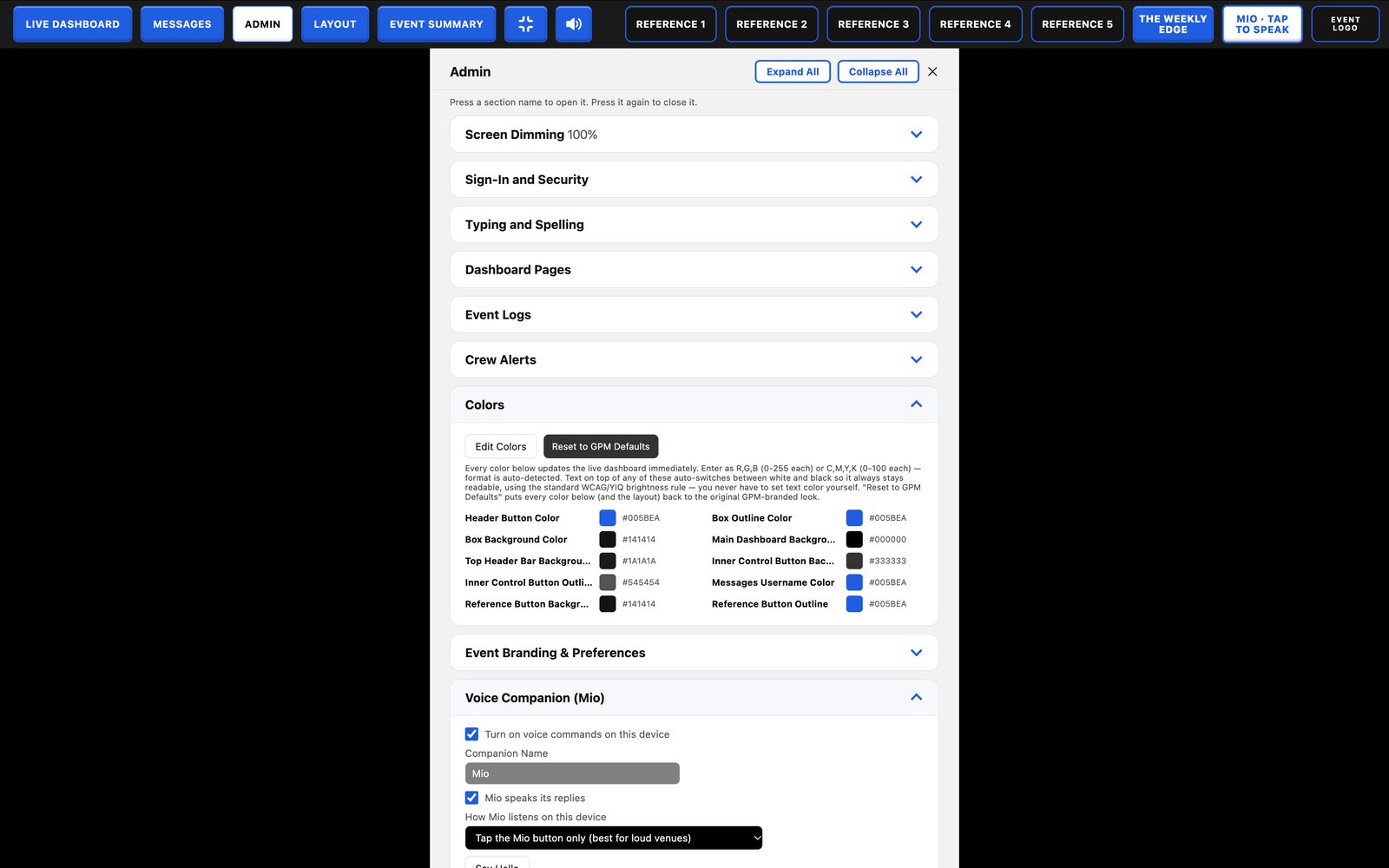
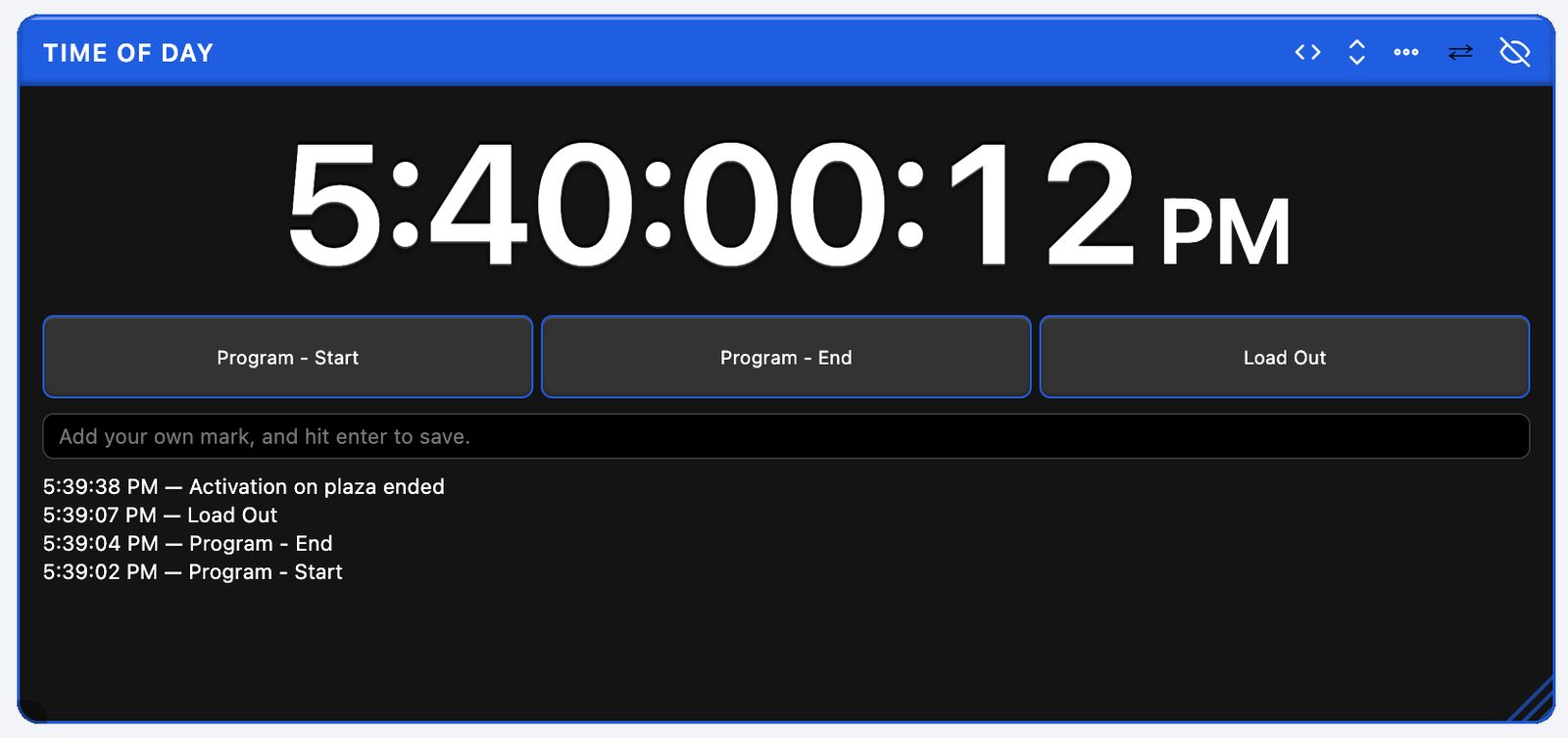
Built by Event Professionals for Everyone in Sports.
Plan it. Run it. Prove it.
What you get for $499 a year
Runs the show and the account. Every feature on every page, plus Admin, billing, crew invites, what each View-Only seat sees, and the Live Sync controls your crew follows.
A full dashboard of their own with every feature, their own layout and pages. Follows or runs synced clocks with the Live Sync add-on.
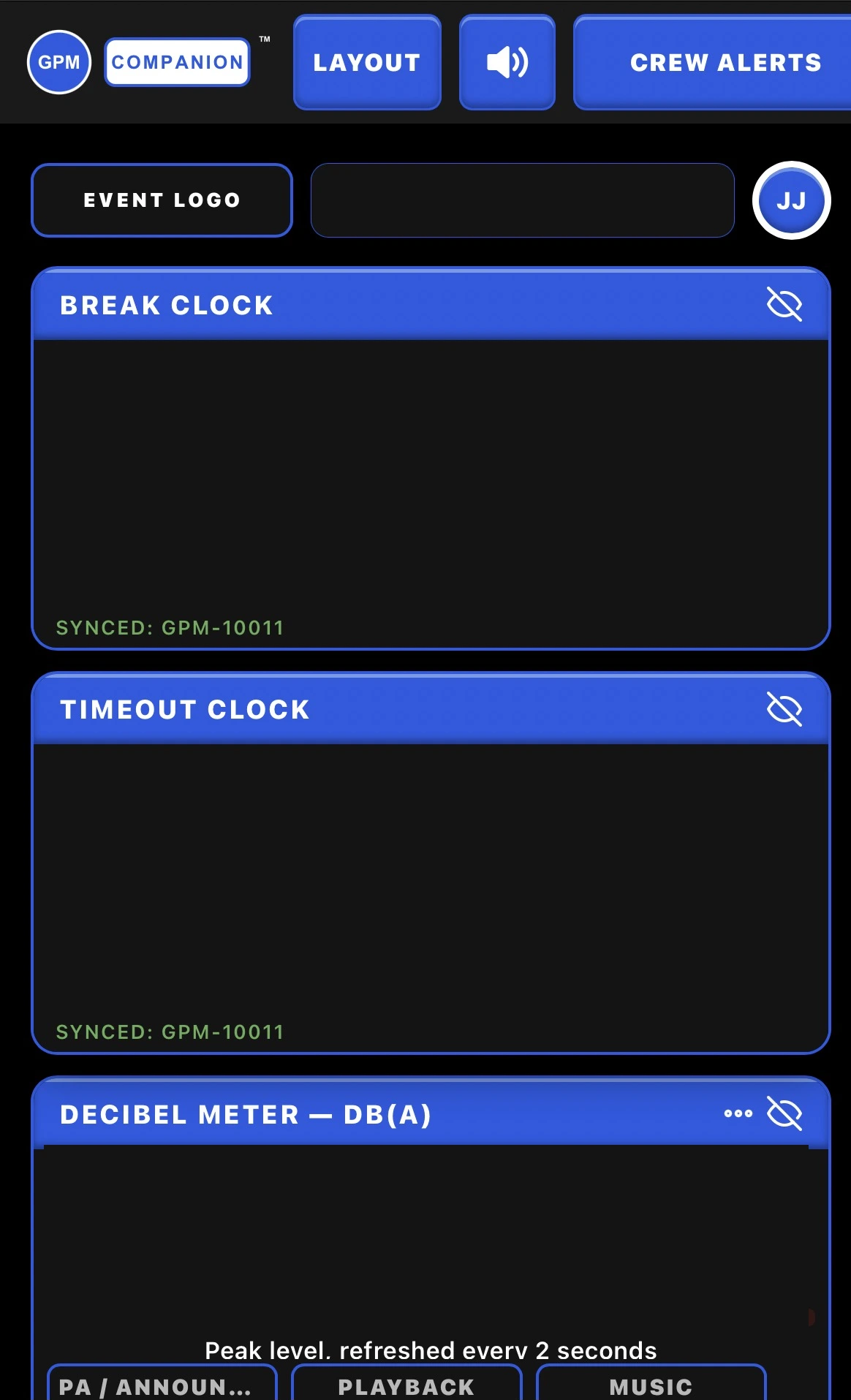
Your live clocks on their own phone, tablet or monitor, with no controls. You choose what each sees. Can run its own decibel meter, shown in your Decibel Meter box.
Add-ons: Live Sync, an additional Teammate seat, an additional View-Only seat.
 57°F57°F
 57°F
Hover over any screen to enlarge
Your microphone is read only inside your browser. Nothing is recorded, saved or sent.
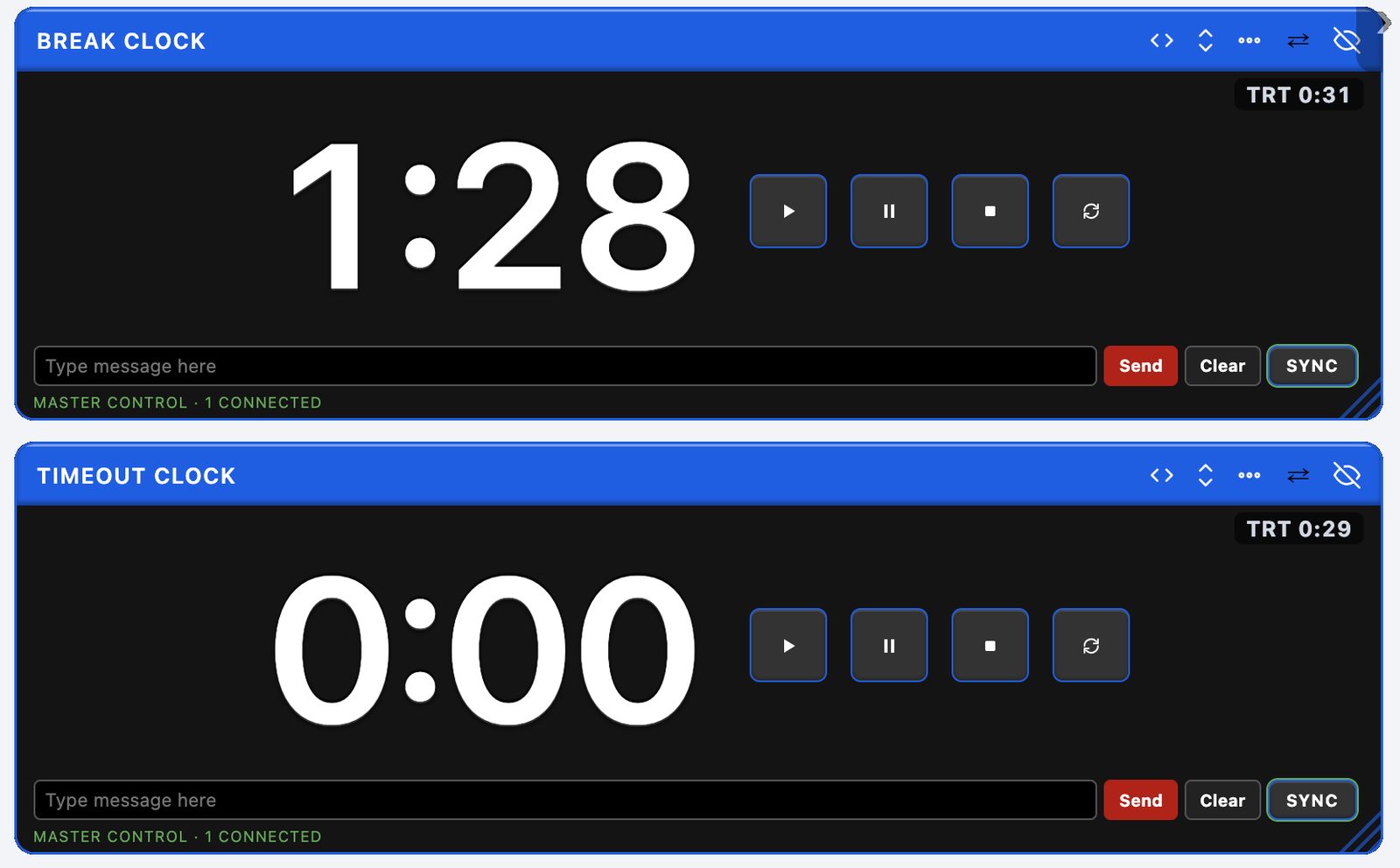
Start the break clock once from Master Control. Your teammate’s laptop and every View-Only phone follow it live. Nobody asks how much time is left.
Try it: press Start on the monitor or the laptop. Every screen follows.
Live Sync is an add-on. Synced screens usually follow within milliseconds, depending on the strength of your wireless network. With the wired Pro+ solution, clocks stay in sync.
Built for the person calling the show.
Break & Timeout Clocks + Live Sync
Break & Timeout Clocks + Live Sync
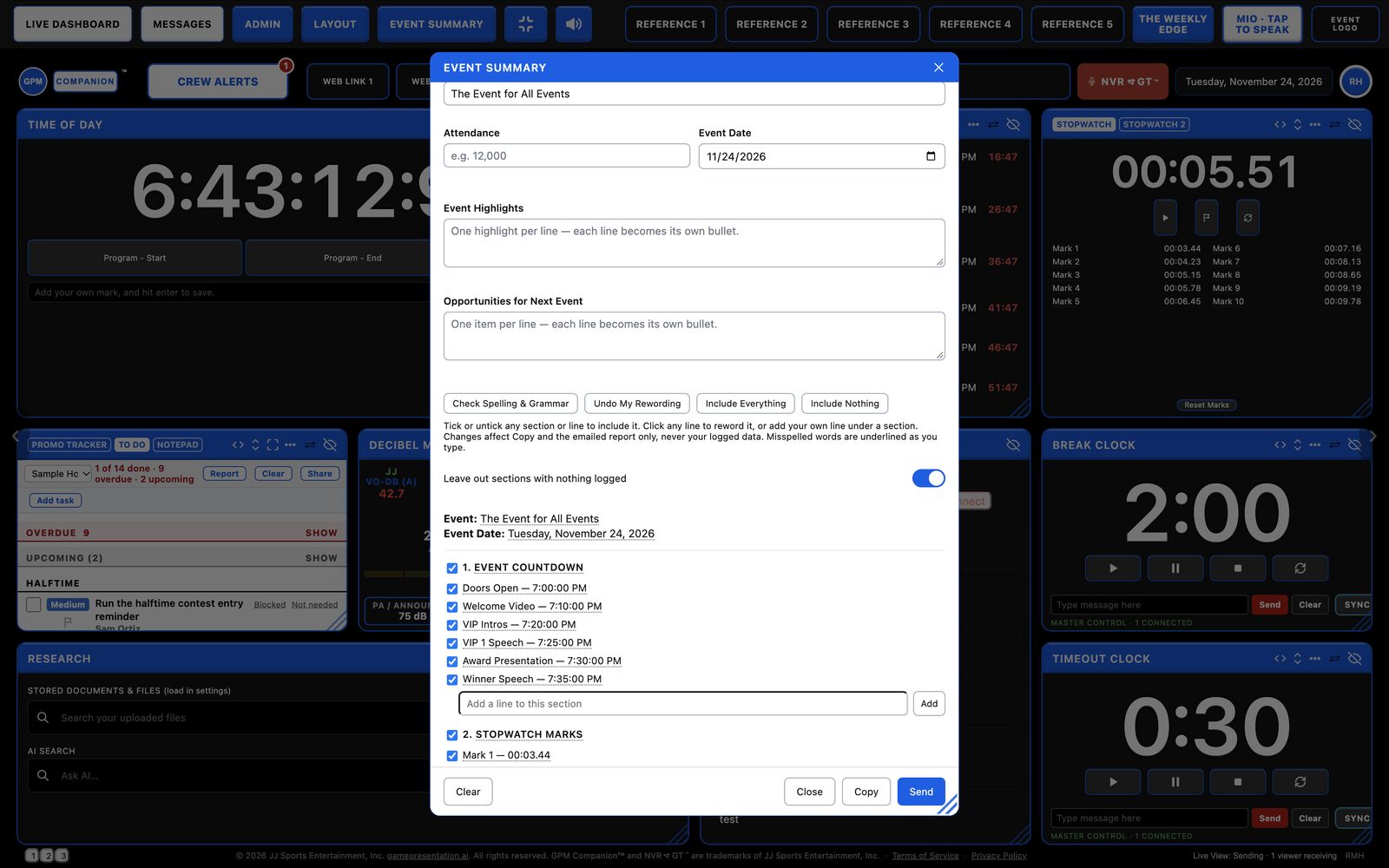
Break and timeout clocks with voice warnings and total running time, followed live by every synced screen.
Your whole crew sees the clock, live.
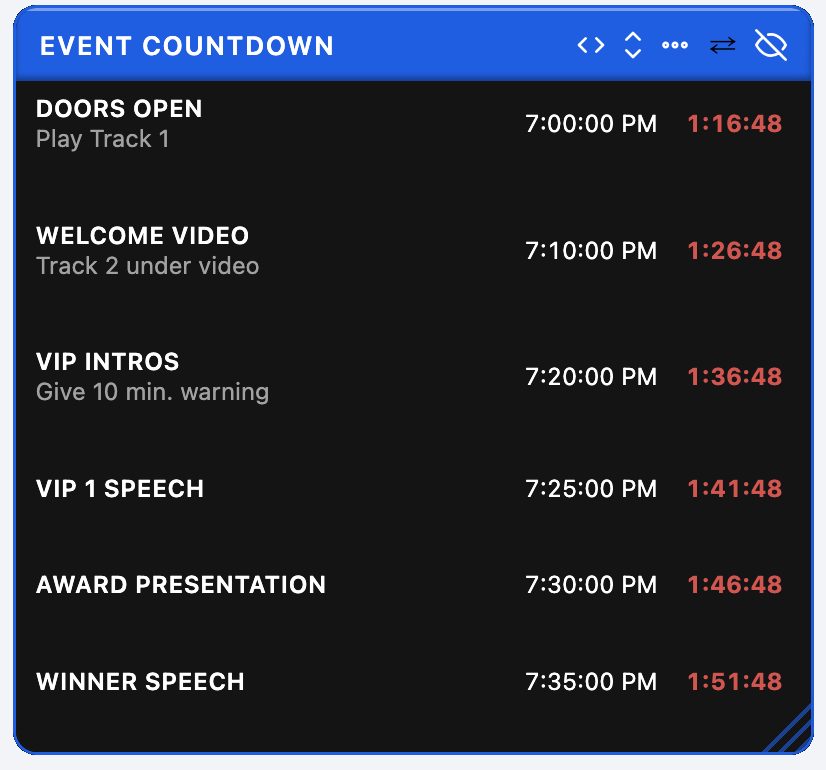
Event Countdown
Event Countdown
Up to 20 cues counting down at once, each with its own sound or a voice that calls the cue name.
Every cue counts down and turns red at zero.
Production To Do
Production To Do
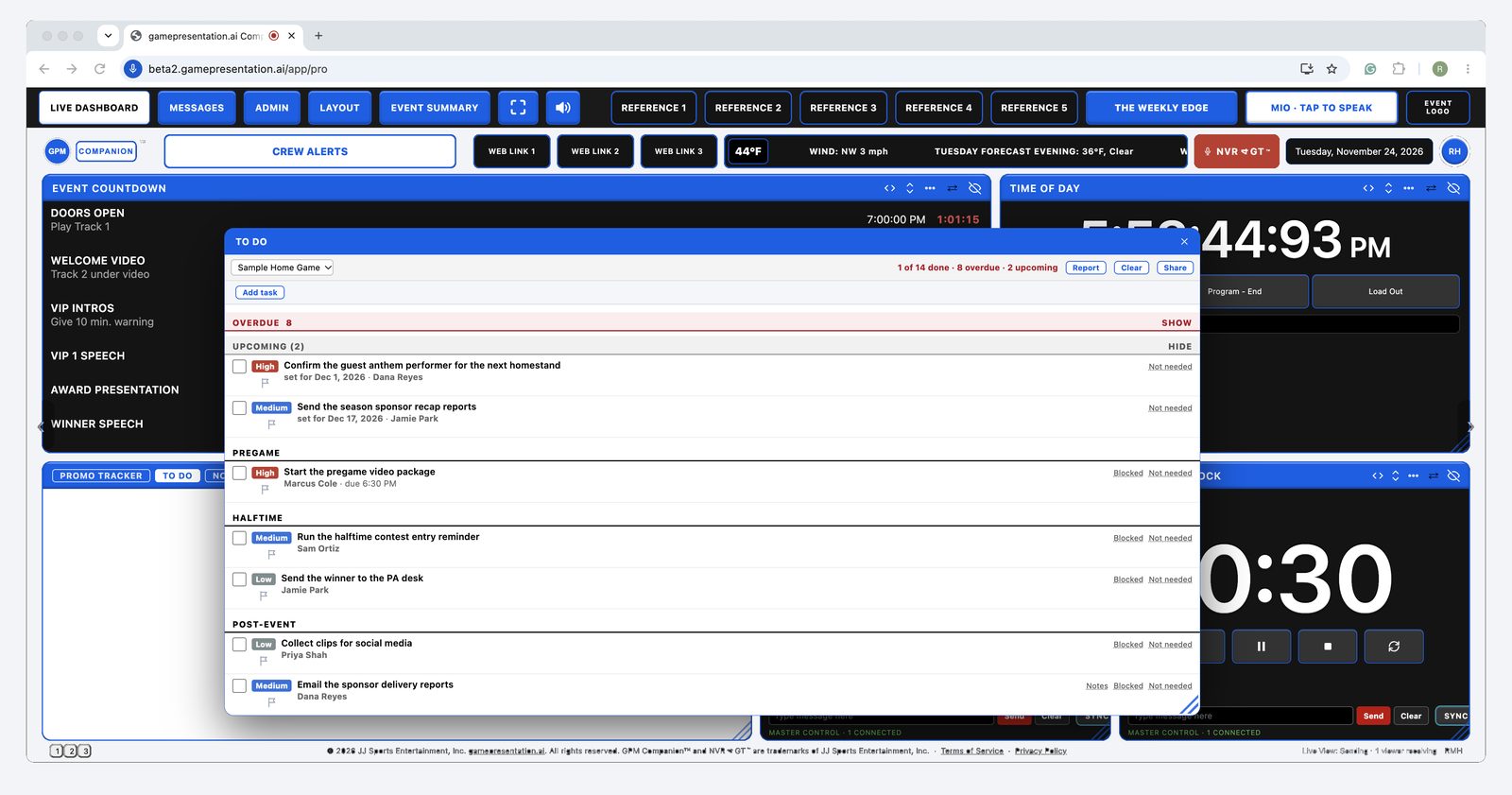
A production to-do list you share with your crew. Every task has an owner and a due time, with alert reminders when it runs late.
Every prep task has an owner and a due time.
Promo Tracker
Promo Tracker
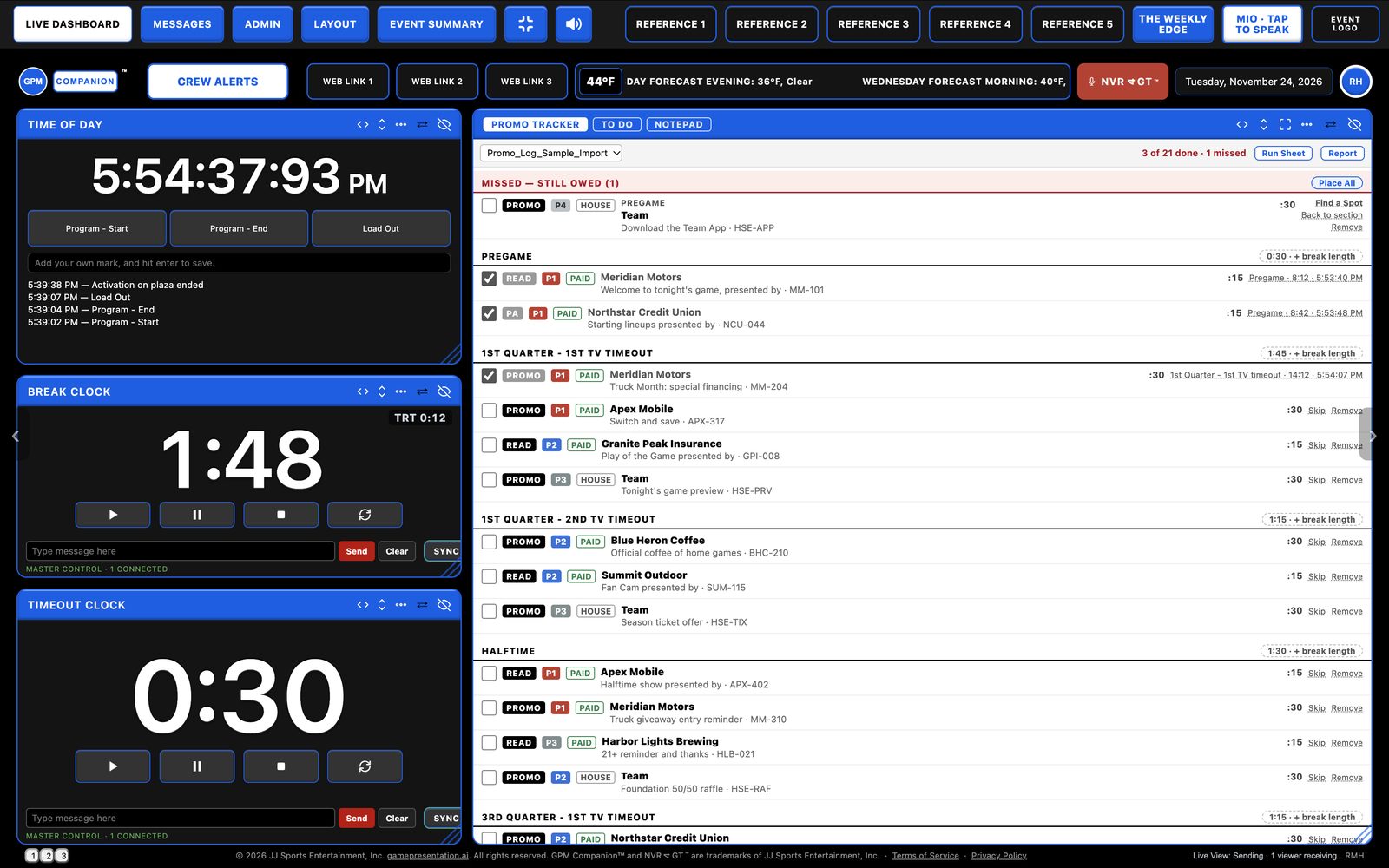
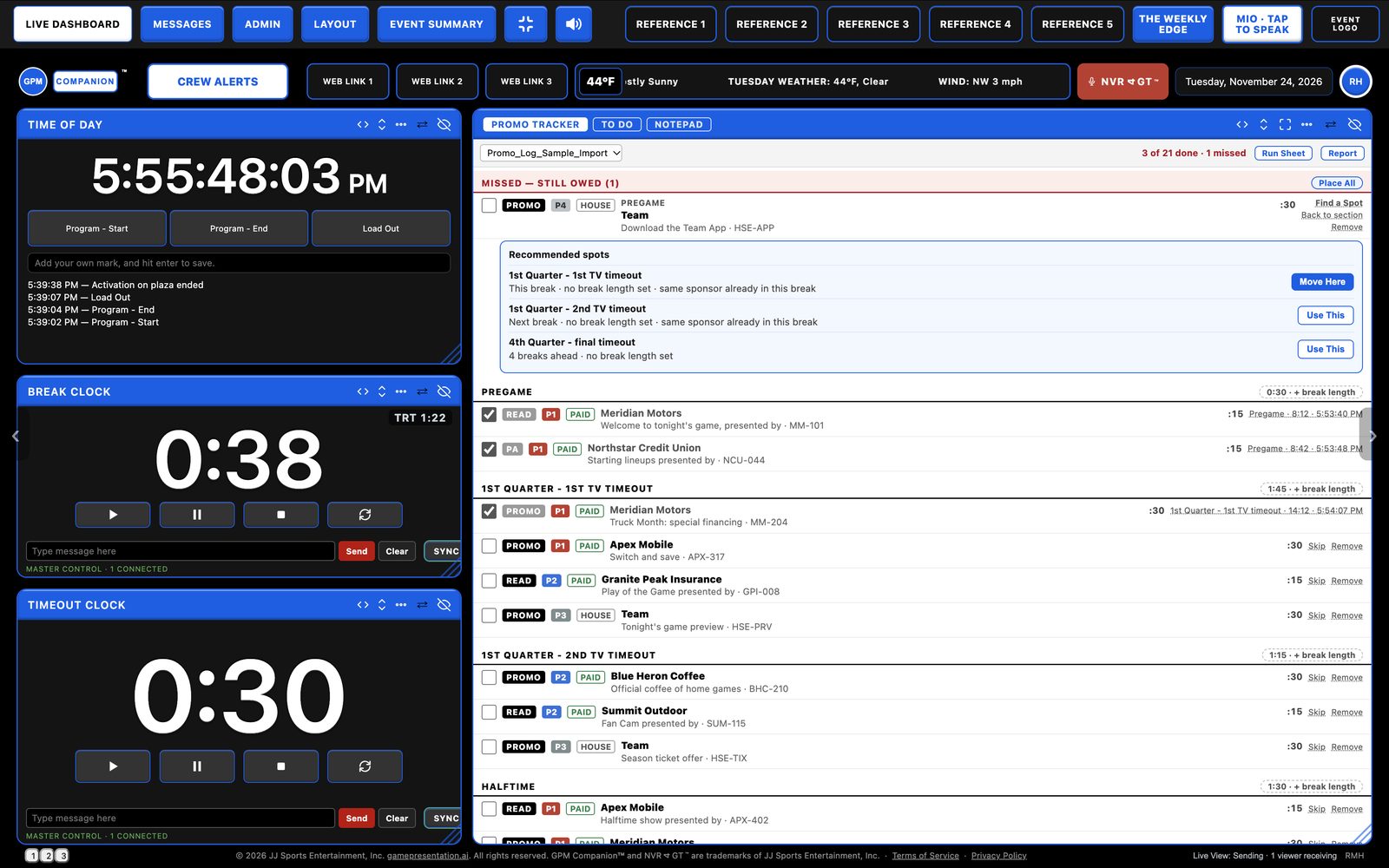
Check off every sponsor read as it runs, see read length against break length, and send each sponsor a delivery report.
Every sponsor read checked off and reported.
Decibel Meter
Decibel Meter
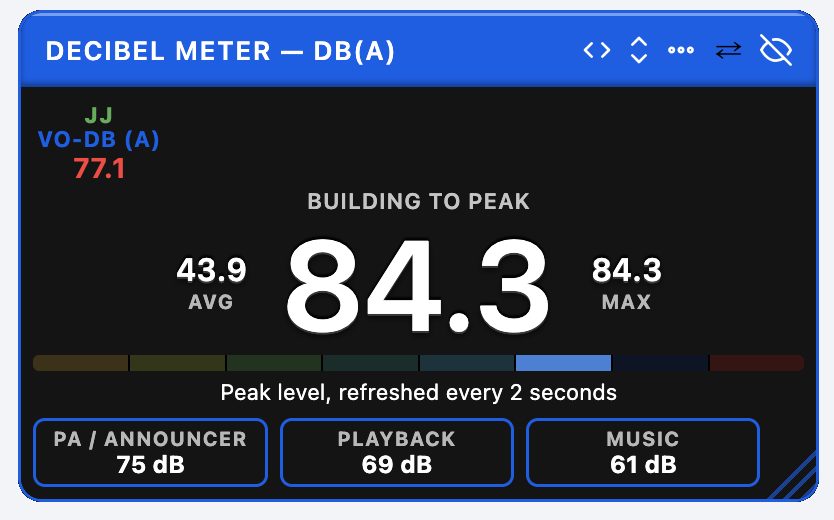
Live crowd noise in decibels with the average and peak. View-Only seats can run their own meters, and their readings show in your Decibel Meter box.
Every peak time-stamped in your report.
Time Trackers
Time Trackers
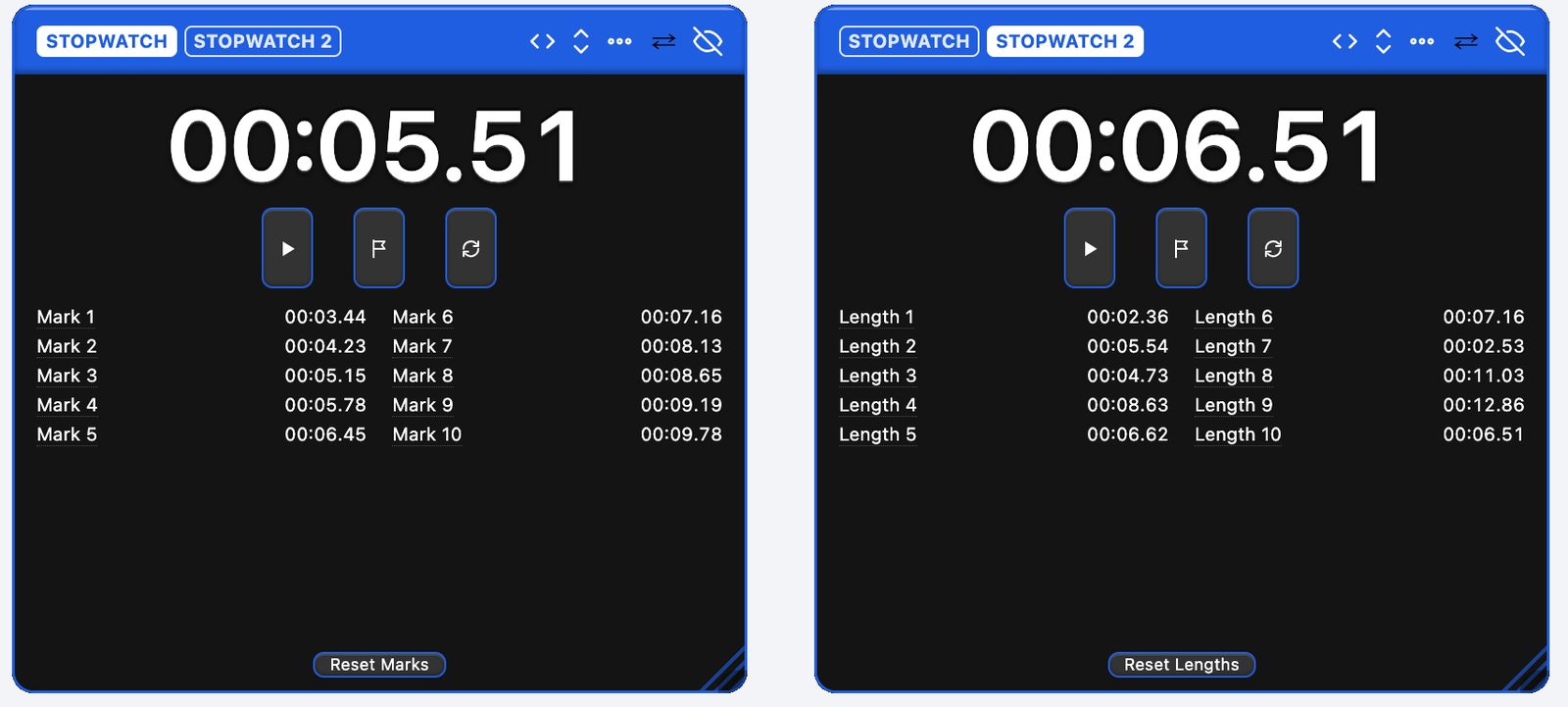
Up to eight named clocks for talent, segments and set changes, each counting down or up with total running time.
Talent and segment times your crew can see.
Research & AI Search
Research & AI Search
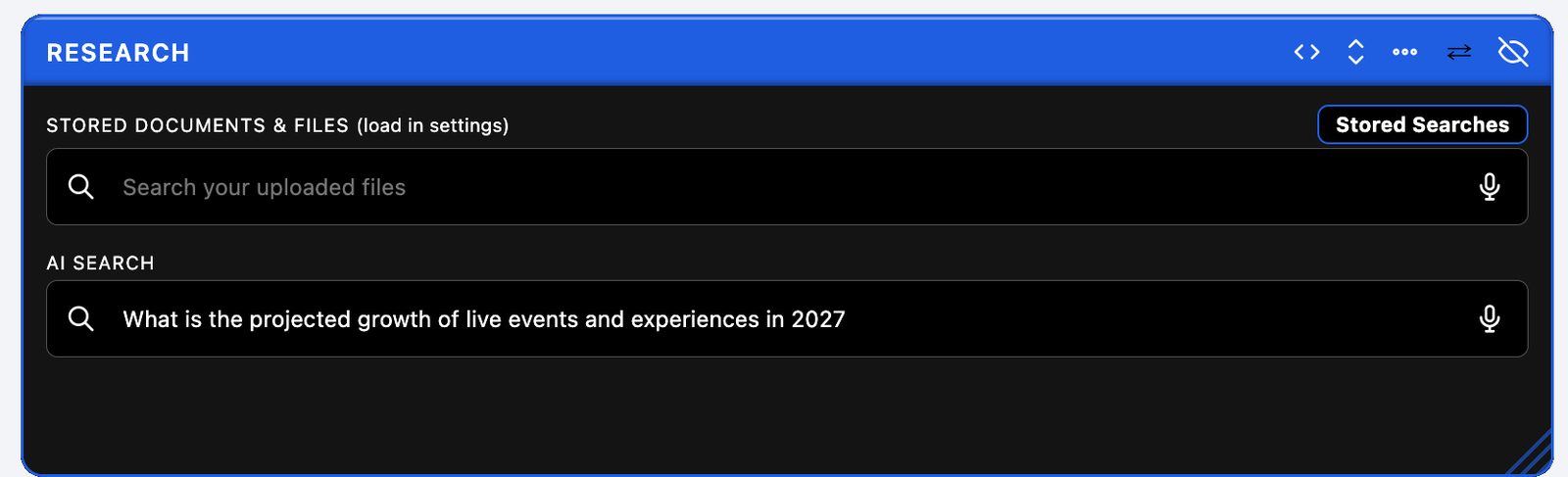
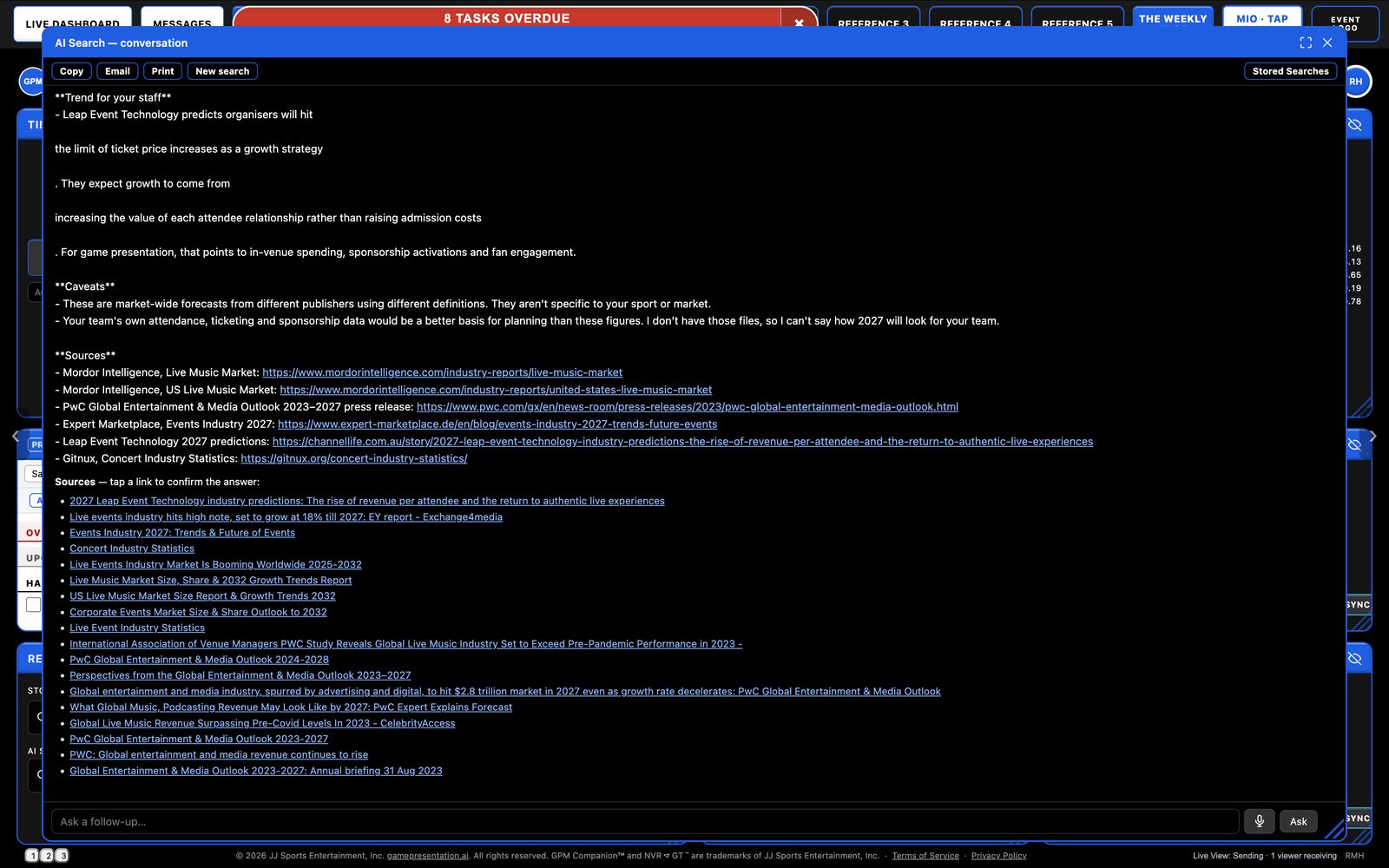
Search your own files, or connect your Claude or ChatGPT account and ask in plain language, by typing or speaking.
Sources listed with every answer.
Reference Buttons
Reference Buttons
One-tap buttons for your script, rundown, rosters and contracts, with searchable previews.
The script is one tap away.
Crew Alerts
Crew Alerts
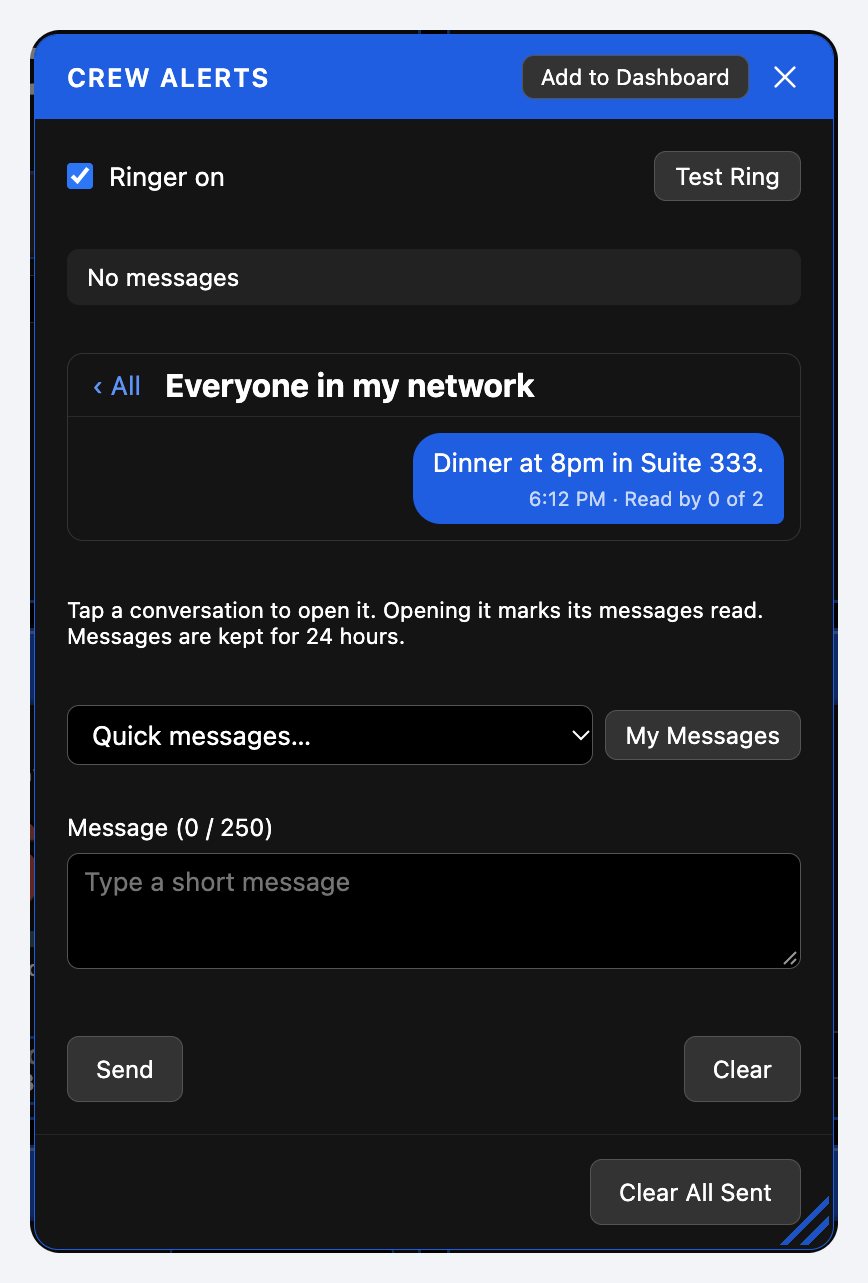
Message one person or everyone. Alerts ring and shake on their screen until they see it.
Read receipts show who saw it.
NVR4GT™ Voice Notes
NVR4GT™ Voice Notes
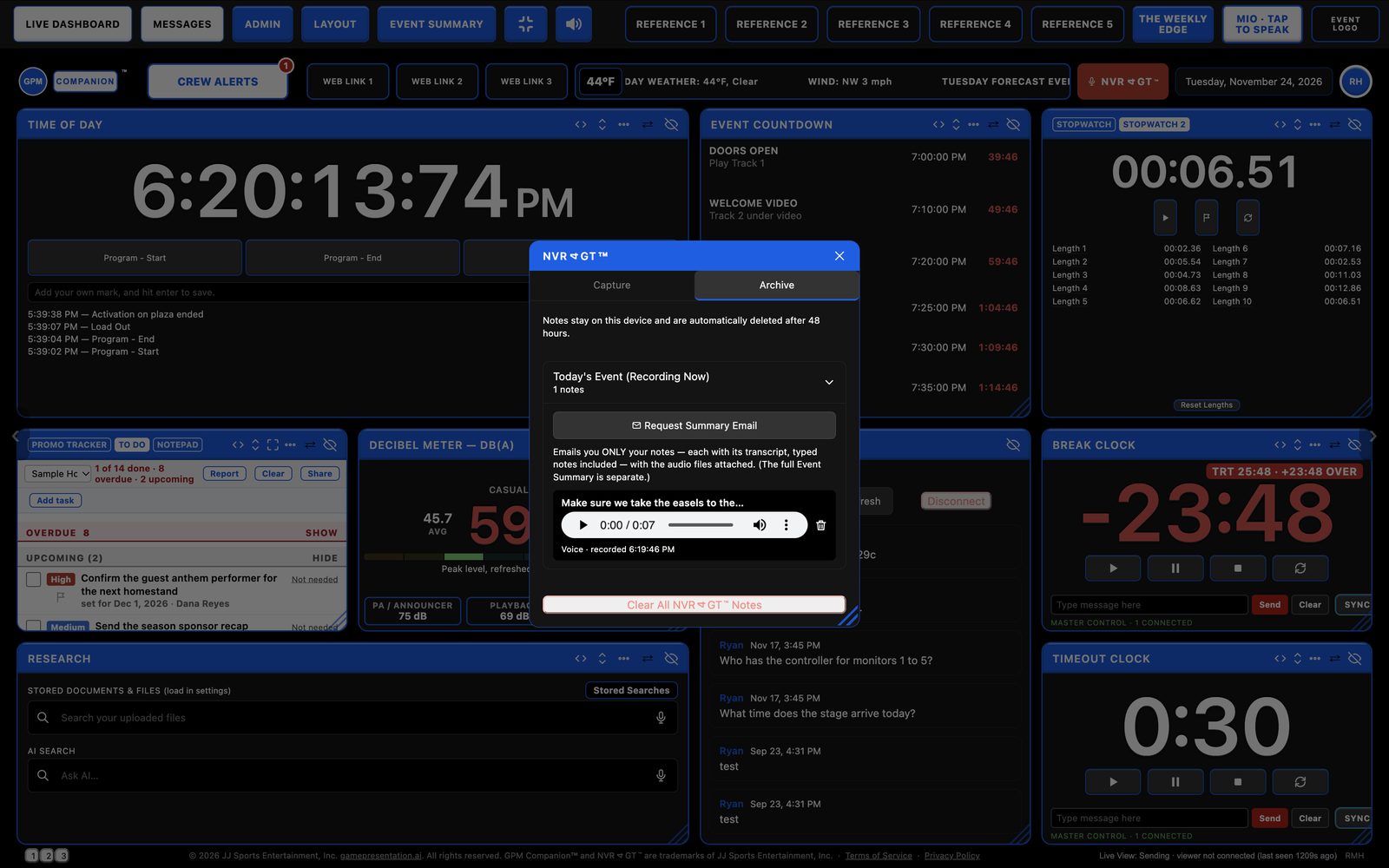
Say it out loud and the note arrives in your inbox, time-stamped, with the transcript and the audio.
Say it once, and it is saved.
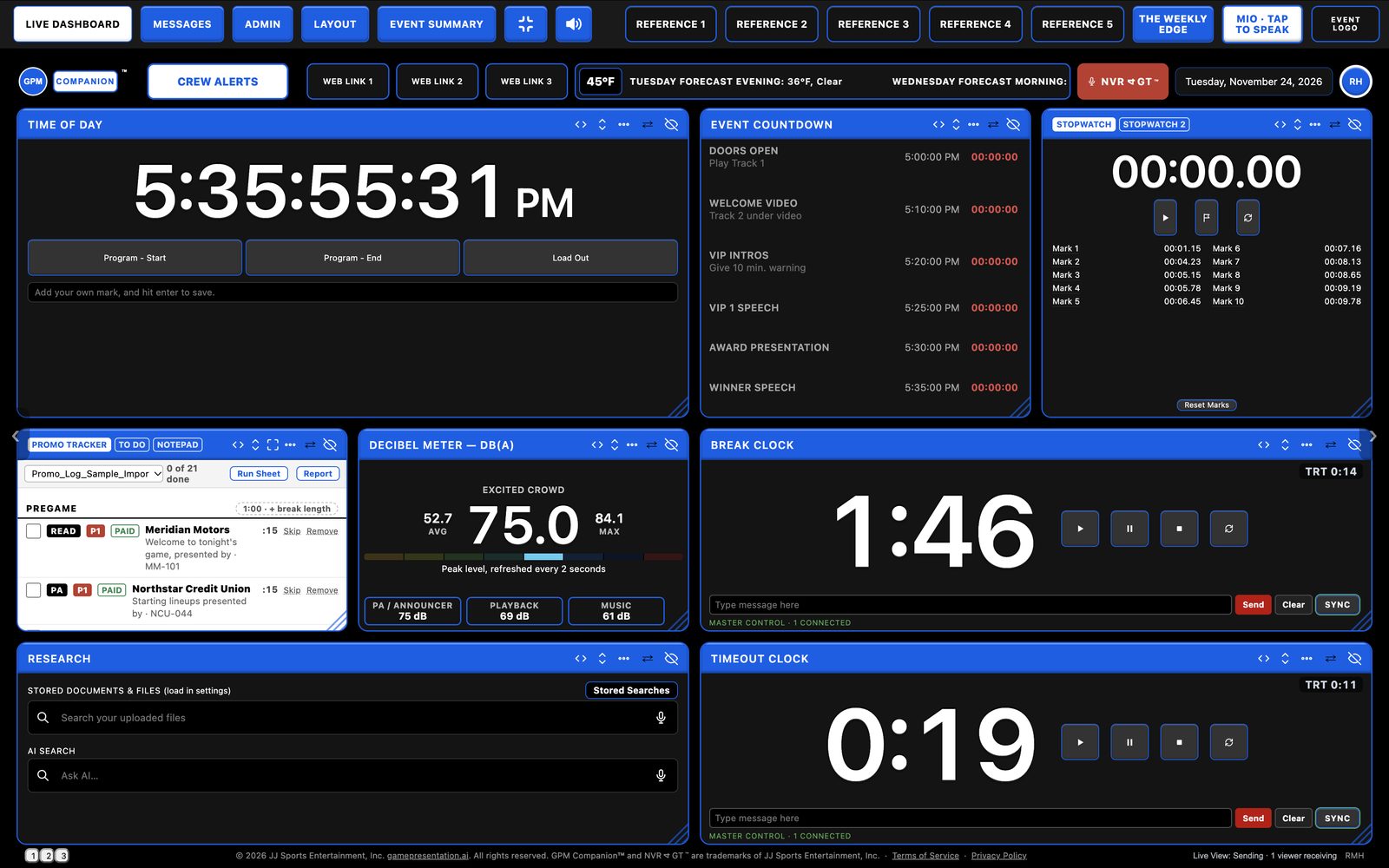
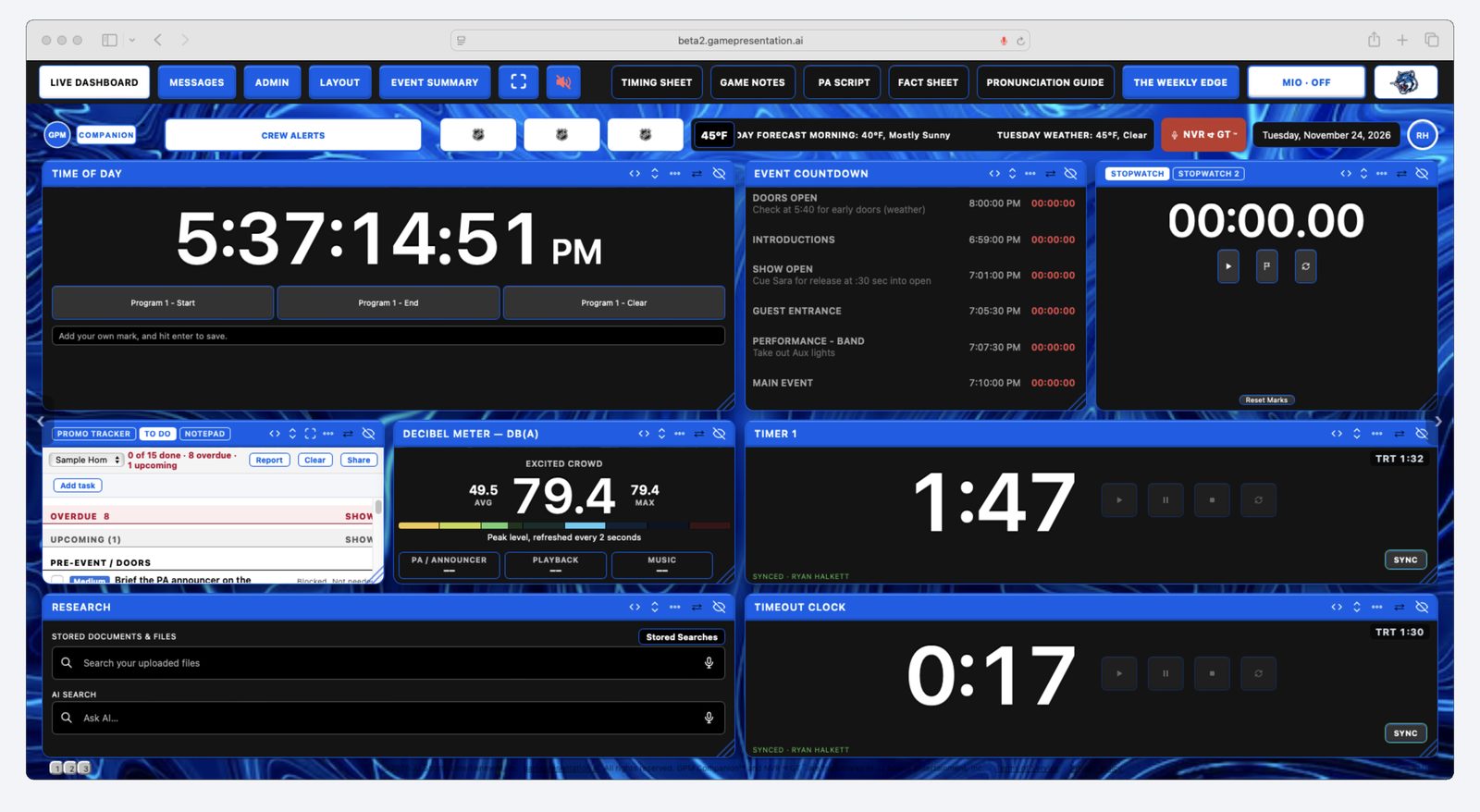
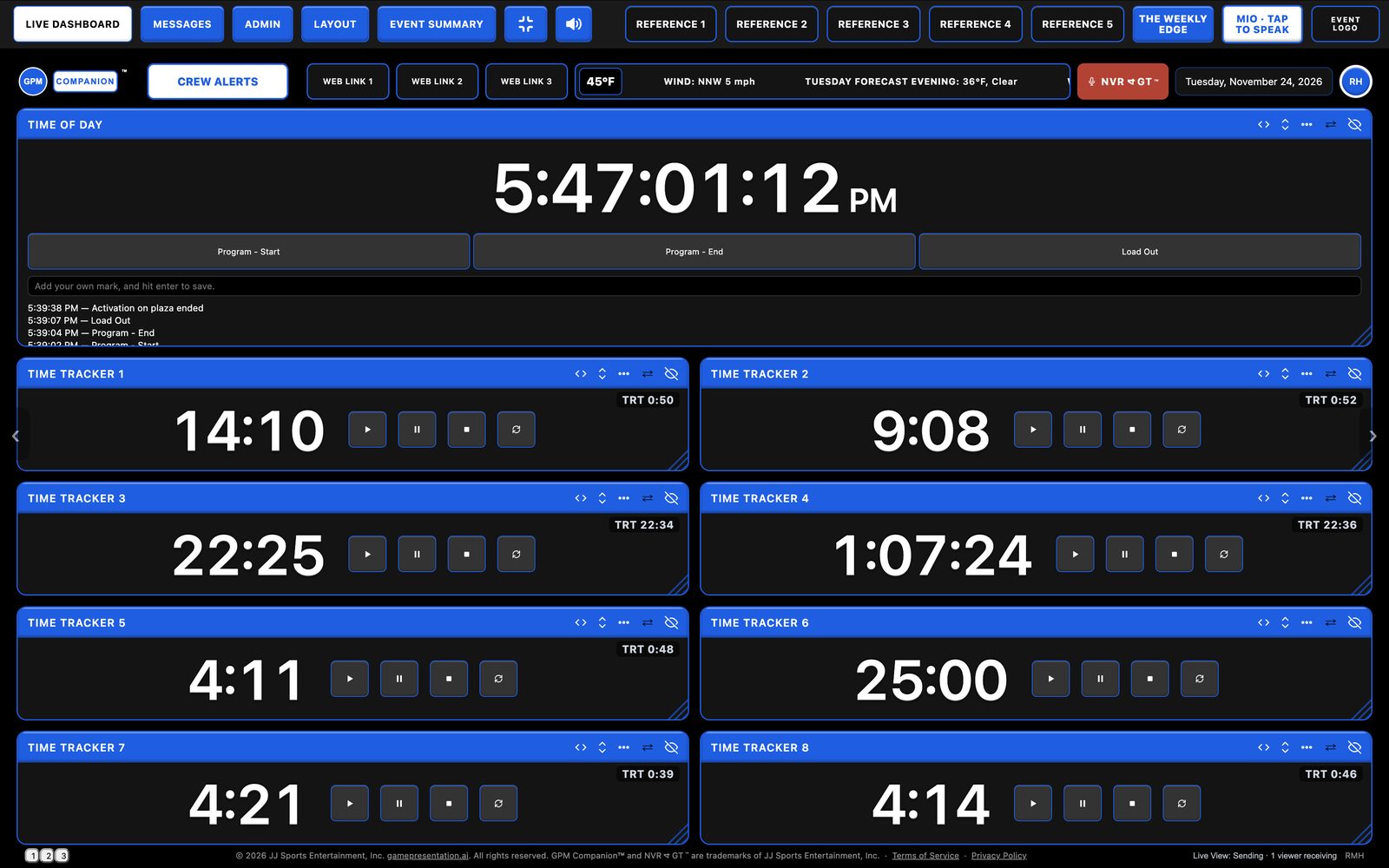
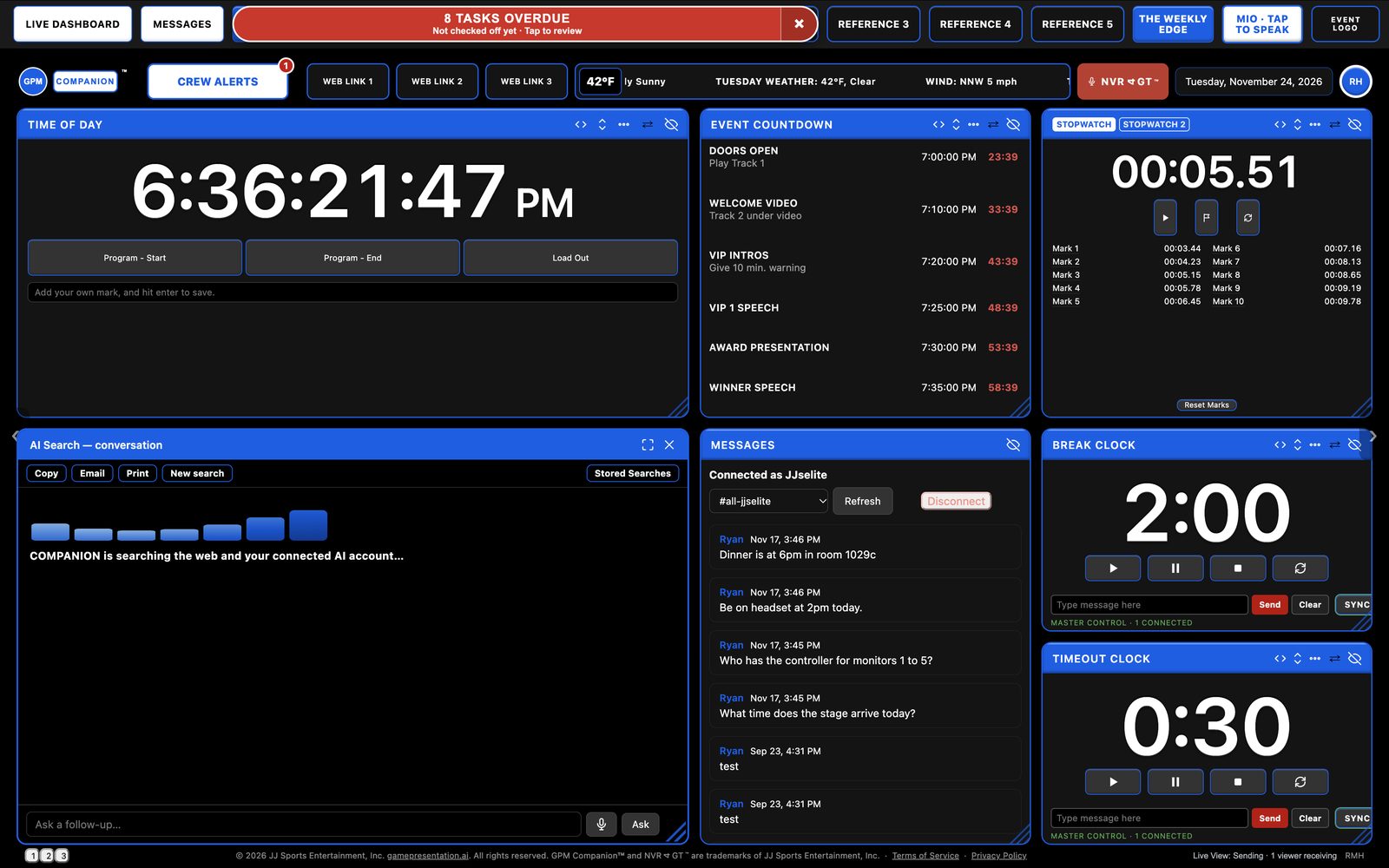
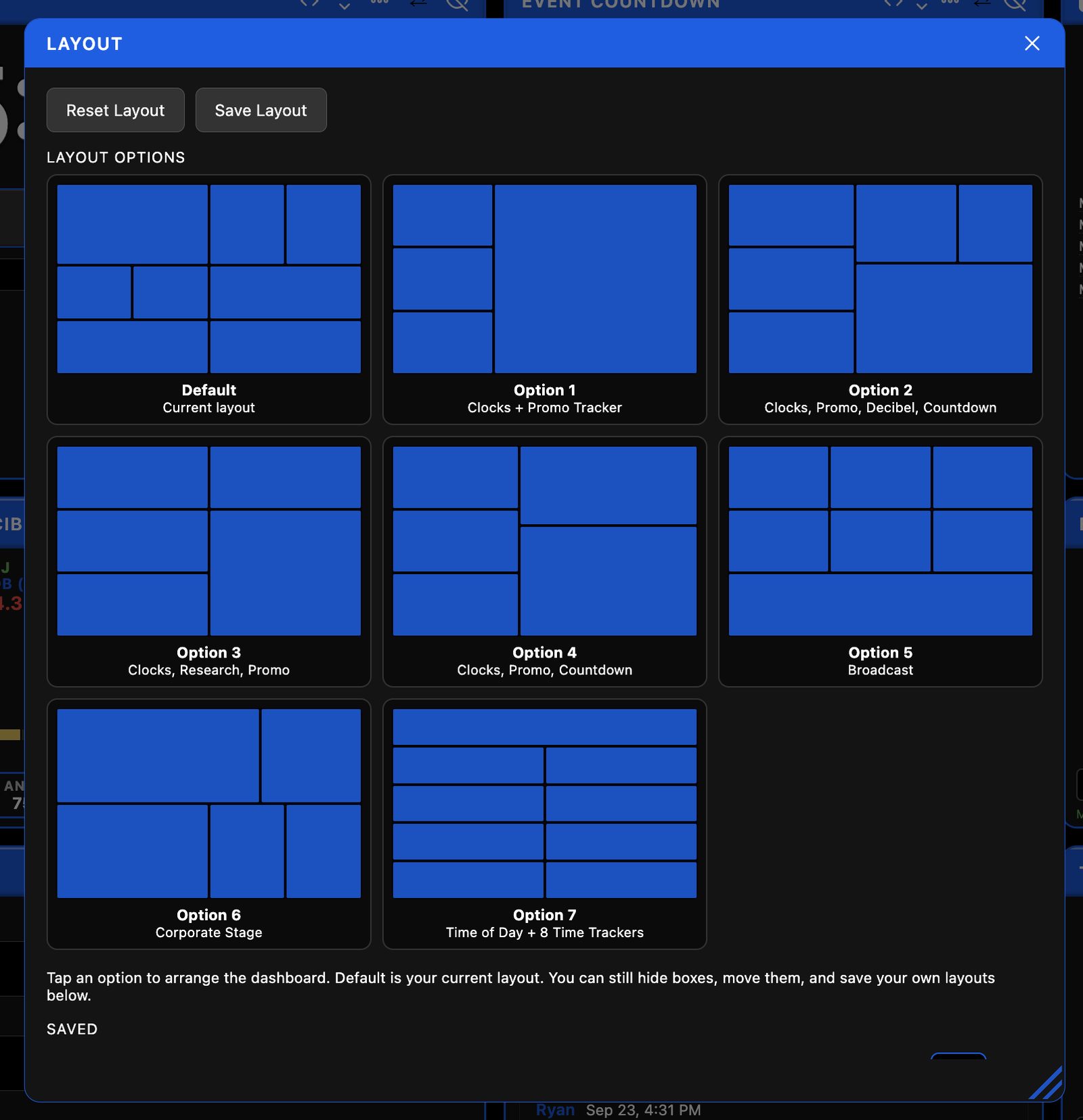
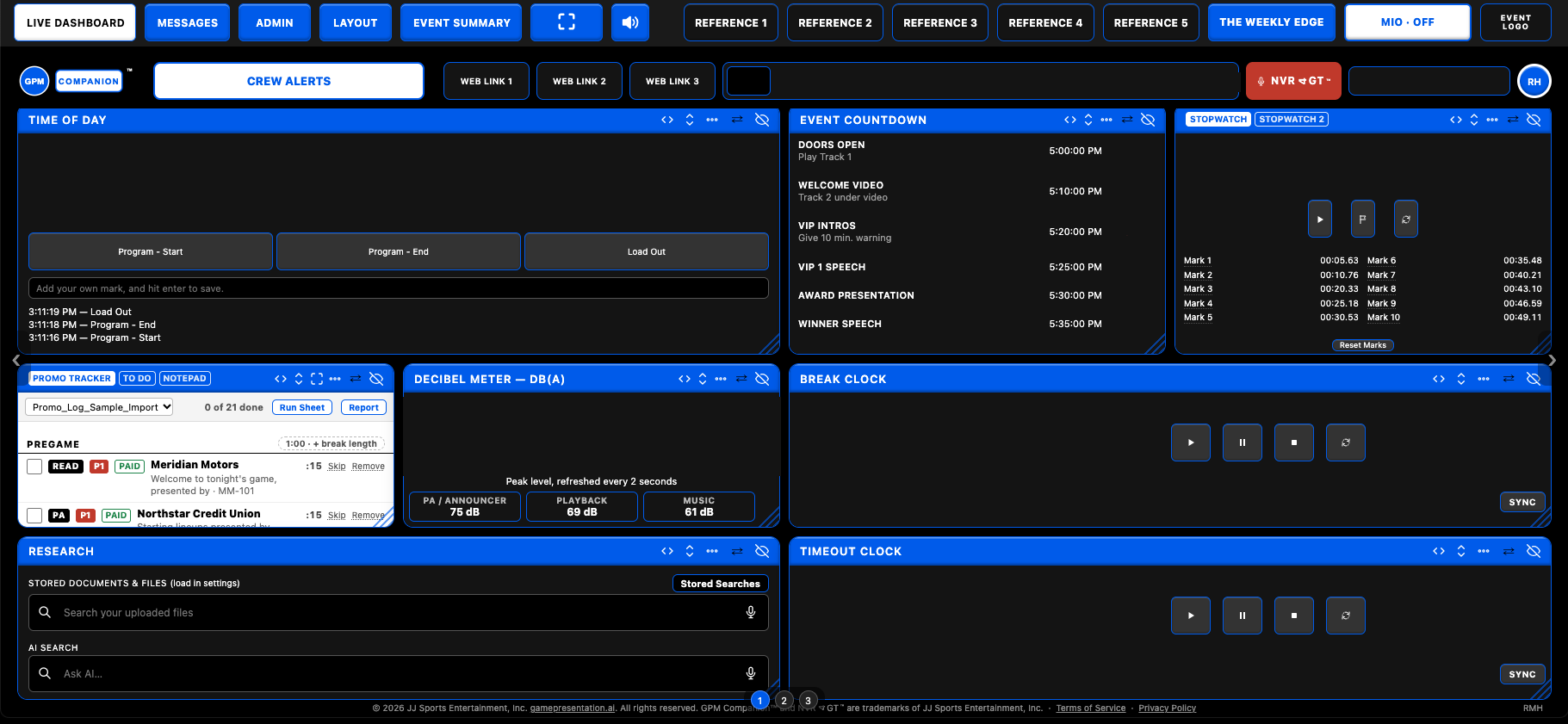
Build three customizable dashboards with the features you need, and move between them with a tap or a swipe.
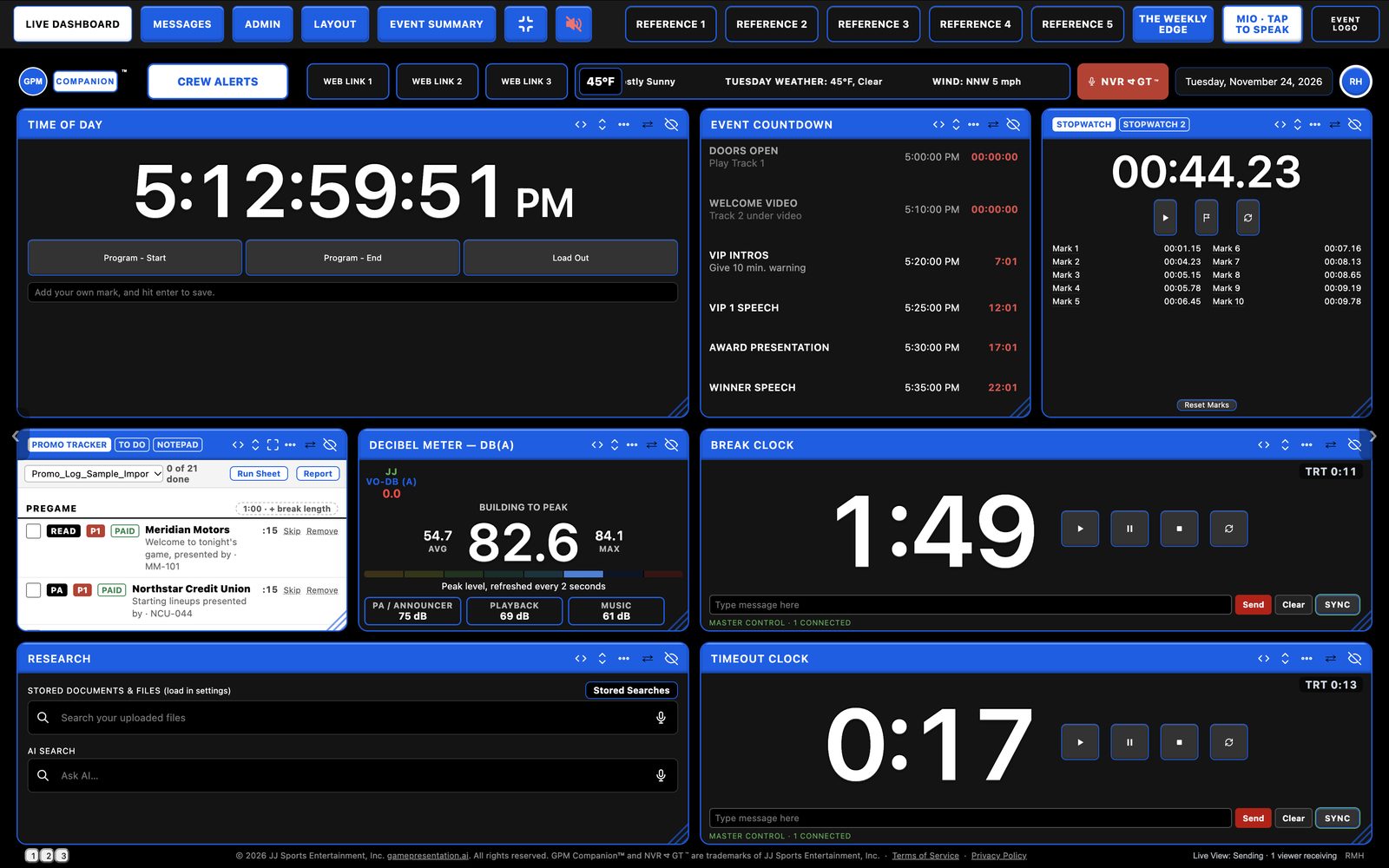
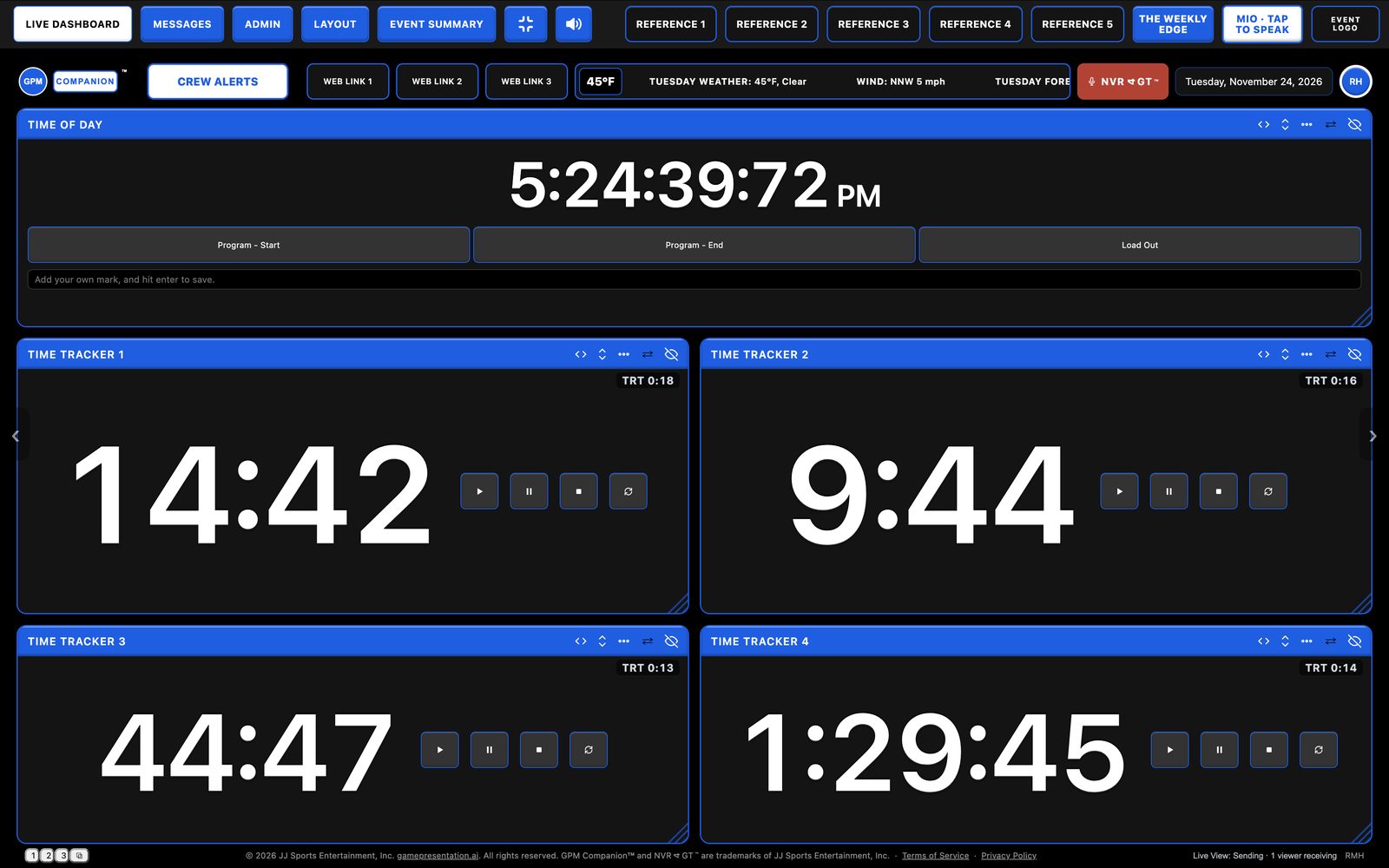
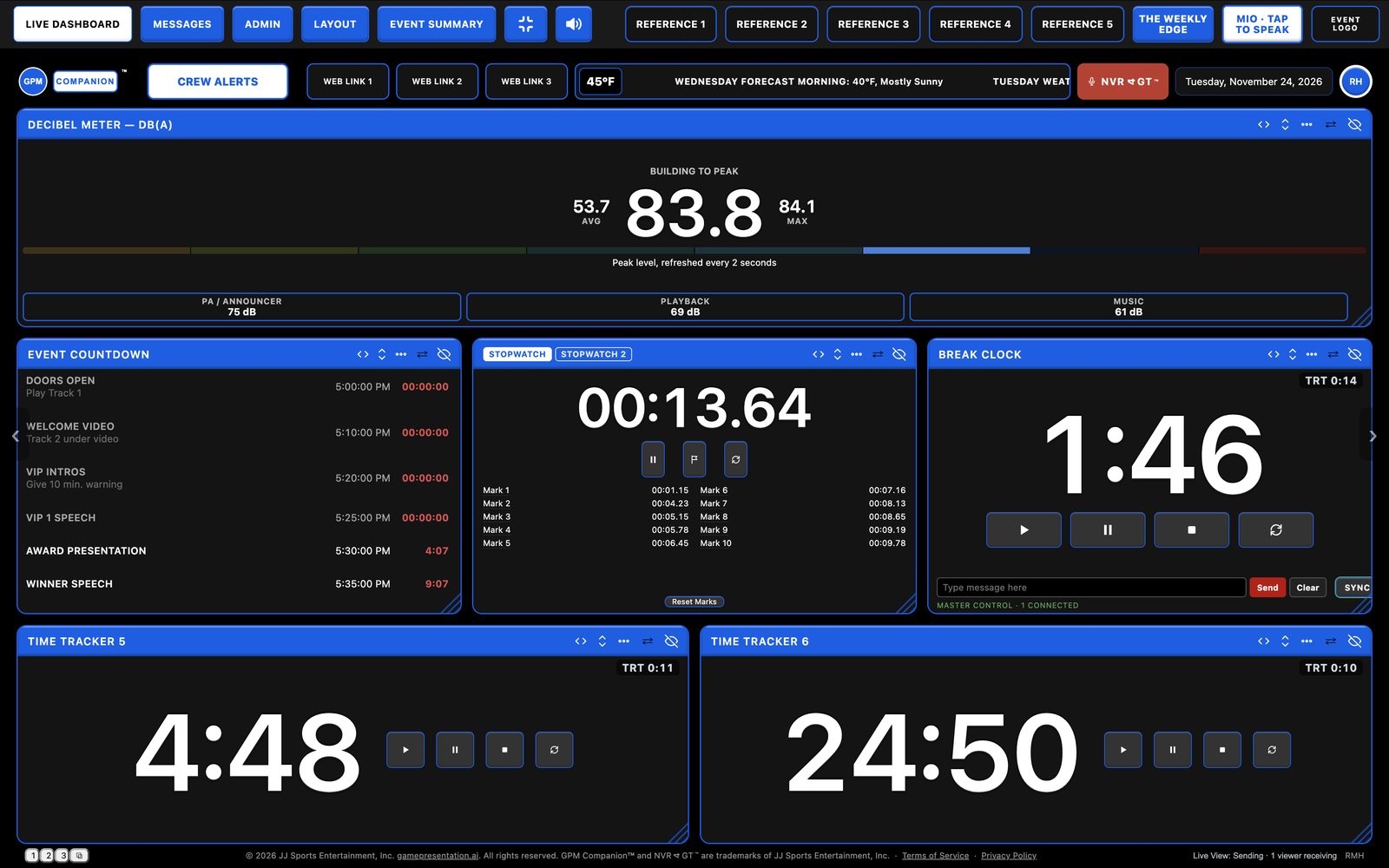
Every tool you reach for during a show. Tap a feature to see why it matters, what it solves and how it works.
Roll over the image to zoom. Click to enlarge.Tap the image to enlarge.
Roll over the image to zoom. Click to enlarge.Tap the image to enlarge.
Roll over the image to zoom. Click to enlarge.Tap the image to enlarge.
Roll over the image to zoom. Click to enlarge.Tap the image to enlarge.
Roll over the image to zoom. Click to enlarge.Tap the image to enlarge.
Roll over the image to zoom. Click to enlarge.Tap the image to enlarge.
Roll over the image to zoom. Click to enlarge.Tap the image to enlarge.
Roll over the image to zoom. Click to enlarge.Tap the image to enlarge.
Roll over the image to zoom. Click to enlarge.Tap the image to enlarge.
Roll over the image to zoom. Click to enlarge.Tap the image to enlarge.
Roll over the image to zoom. Click to enlarge.Tap the image to enlarge.
Roll over the image to zoom. Click to enlarge.Tap the image to enlarge.
Roll over the image to zoom. Click to enlarge.Tap the image to enlarge.
Roll over the image to zoom. Click to enlarge.Tap the image to enlarge.
Roll over the image to zoom. Click to enlarge.Tap the image to enlarge.
Roll over the image to zoom. Click to enlarge.Tap the image to enlarge.
Roll over the image to zoom. Click to enlarge.Tap the image to enlarge.
Roll over the image to zoom. Click to enlarge.Tap the image to enlarge.
Roll over the image to zoom. Click to enlarge.Tap the image to enlarge.
Roll over the image to zoom. Click to enlarge.Tap the image to enlarge.
Roll over the image to zoom. Click to enlarge.Tap the image to enlarge.
Try every feature free for 30 days.
Billed once a year, plus applicable tax. Your trial does not renew into a charge: when it ends, subscribe to keep going. See the Terms for refund and cancellation details.
A wired solution that connects within your production network. Every Pro feature, plus:
Runs the show and the account. Every feature on every page, plus Admin, billing, crew invites, what each View-Only seat sees, and the Live Sync controls your crew follows.
A full dashboard of their own with every feature, their own layout and pages. Follows or runs synced clocks with the Live Sync add-on.
Your live clocks on their own phone, tablet or monitor, with no controls. You choose what each sees. Can run its own decibel meter, shown in your Decibel Meter box.
A customizable dashboard for everyone who runs a live event or broadcast. Before the show it is your prep tool, with production to-do lists, owners and due times. During the show it puts your clocks, countdowns, sponsor reads, crew alerts, sound levels, weather, notes and documents on one screen. After the show it gives you detailed reports and an event summary.
Show callers, producers, directors, assistant and associate directors, stage managers, production assistants, engineers, game presentation and in-venue teams, and the sponsor and client teams who need proof that reads ran. It works for sports, concerts, theatre, festivals, conferences, seminars, trade shows and expos, broadcasts and brand activations.
No. It runs in a web browser and needs an internet connection. Chrome and Edge are recommended. Safari works, but voice transcripts work best in Chrome and Edge.
Monitors, touchscreen monitors, laptops, tablets and phones. We do not provide hardware. Voice and sound features depend on your device, microphone and browser, so test your setup before every event.
Start a 30-day free trial with full access. No credit card is needed, so nothing is charged when it ends. To keep going, subscribe from Account Settings with the same email and everything carries over. If you don’t, the account is paused and your setup is kept for 30 days in case you come back. One free trial per person.
$499 a year, billed once a year. That is about $42 a month, or about $7 an event if you run six events a month. Optional add-ons: Live Sync $49.99 a year, an additional Teammate seat $149.99 a year, and an additional View-Only seat $99.99 a year. Add-ons renew with your license. Prices are in US dollars; any sales tax, VAT or GST that applies where you are is added at checkout.
Every feature, plus five seats. Master Control (you) runs the show and the account: every feature on every page, plus Admin, billing, crew invites, what each View-Only seat sees, and the Live Sync controls your crew follows. One Teammate gets a full dashboard of their own, with every feature and their own layout. Three View-Only seats watch your live clocks on a phone, tablet or monitor.
A full GPM Companion dashboard of their own: every feature, their own layout, colors and pages, and their own Admin settings. Billing and seats stay with Master Control. With the Live Sync add-on, a Teammate can follow or run the synced break and timeout clocks with you.
A live view of your clocks on their own phone, tablet or monitor, with no controls. You choose which boxes each viewer sees. Each View-Only seat can also run its own decibel meter, and its readings show in your Decibel Meter box, so you can hear the whole venue from one screen. View-Only seats do not see Reference Buttons, Web Links, weather, notes or Research.
Live Sync is an add-on. Master Control runs the break and timeout clocks, and synced teammates’ screens follow live, including total running time and short messages. Connect with a person’s GPM ID. Synced screens usually follow within a second, depending on the network, so a strong, stable connection is recommended. With the wired Pro+ solution, where every screen is on the same production network, the clocks stay within milliseconds of each other. View-Only seats show your live screen without the add-on.
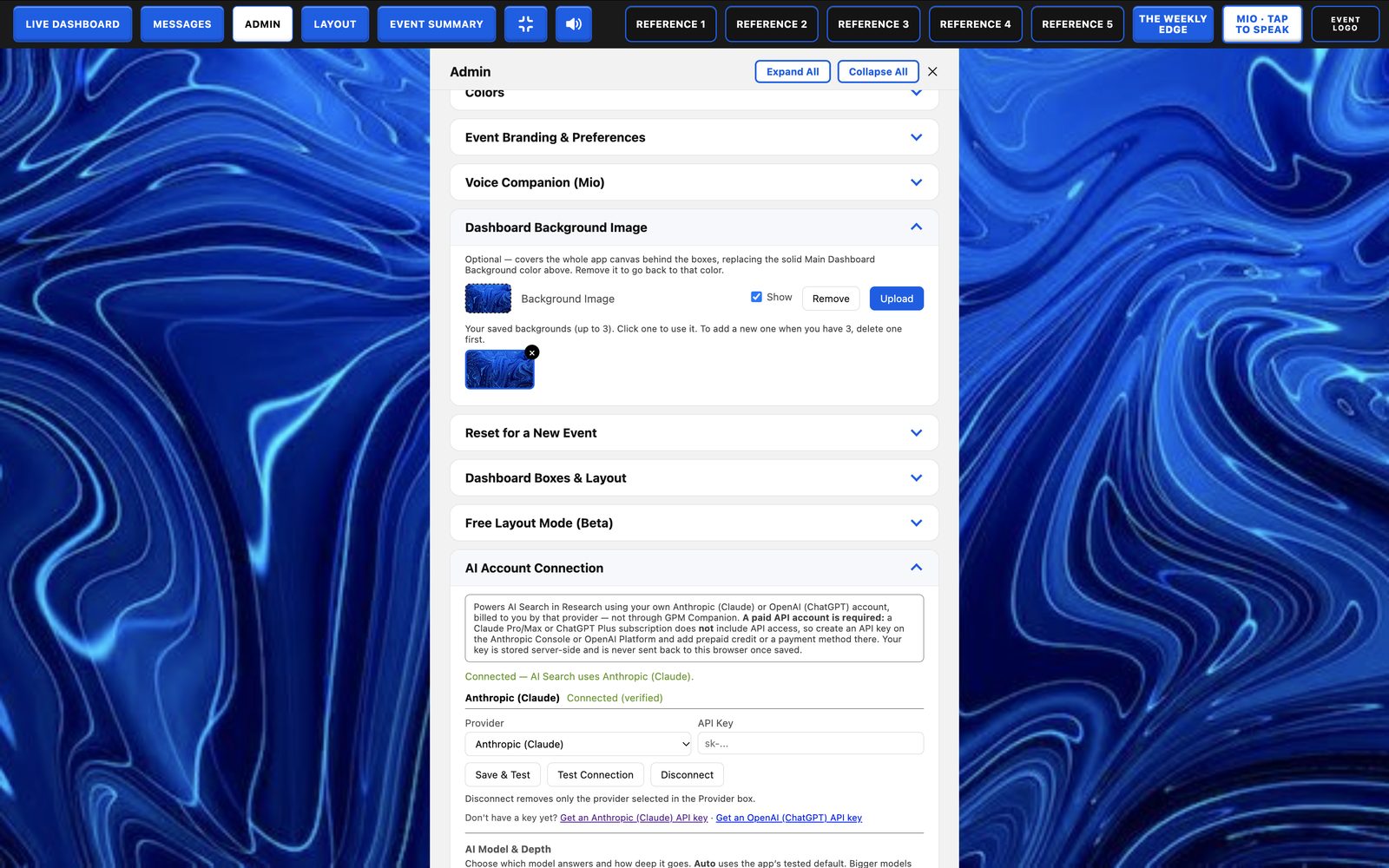
Search looks through the files you upload. AI Search uses your own Anthropic (Claude) or OpenAI (ChatGPT) account, billed to you by that provider, not by us. It needs a paid API account: a Claude or ChatGPT chat subscription does not include API access. Your key is stored on our server and is not sent back to your browser. Every answer lists its sources. AI can be wrong, so check anything critical against the source.
Yes. Put your script, rundown, roster or contract on a Reference Button and open it with one tap. Previews of PDF, Word, Excel and PowerPoint files are searchable.
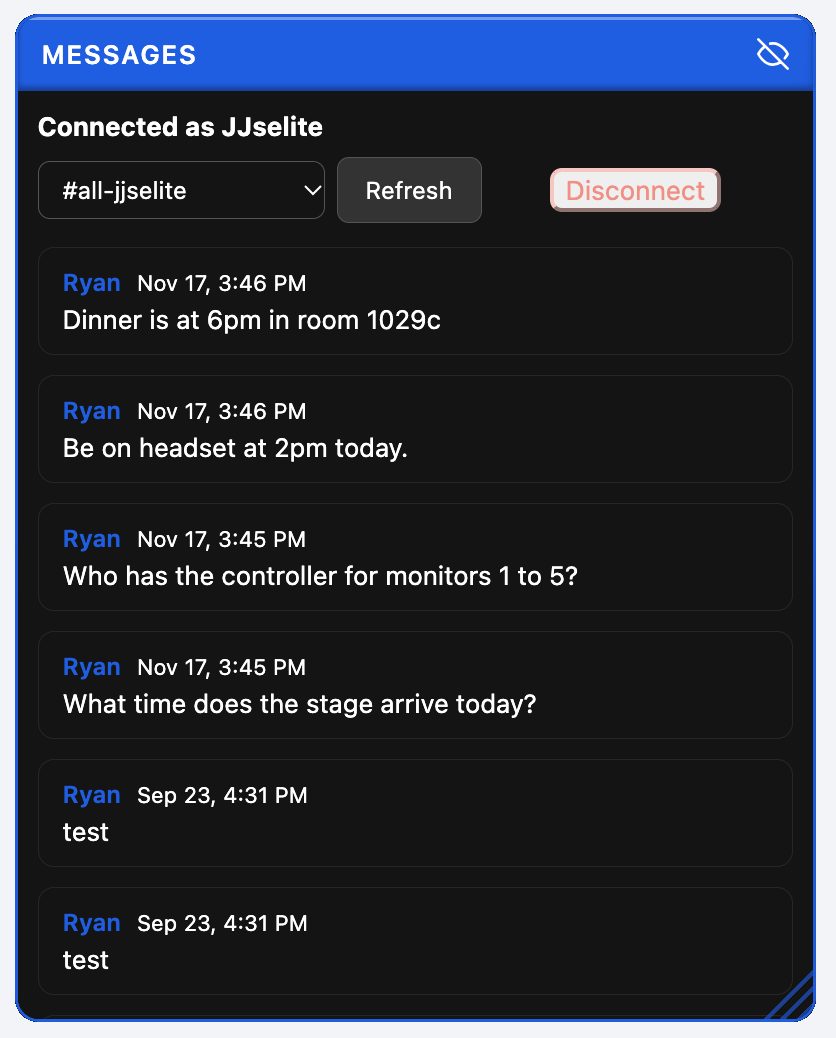
Yes. Crew Alerts send a note to one person or the whole crew, with read receipts. You can also connect Slack or Microsoft Teams to see your team channel beside your clocks.
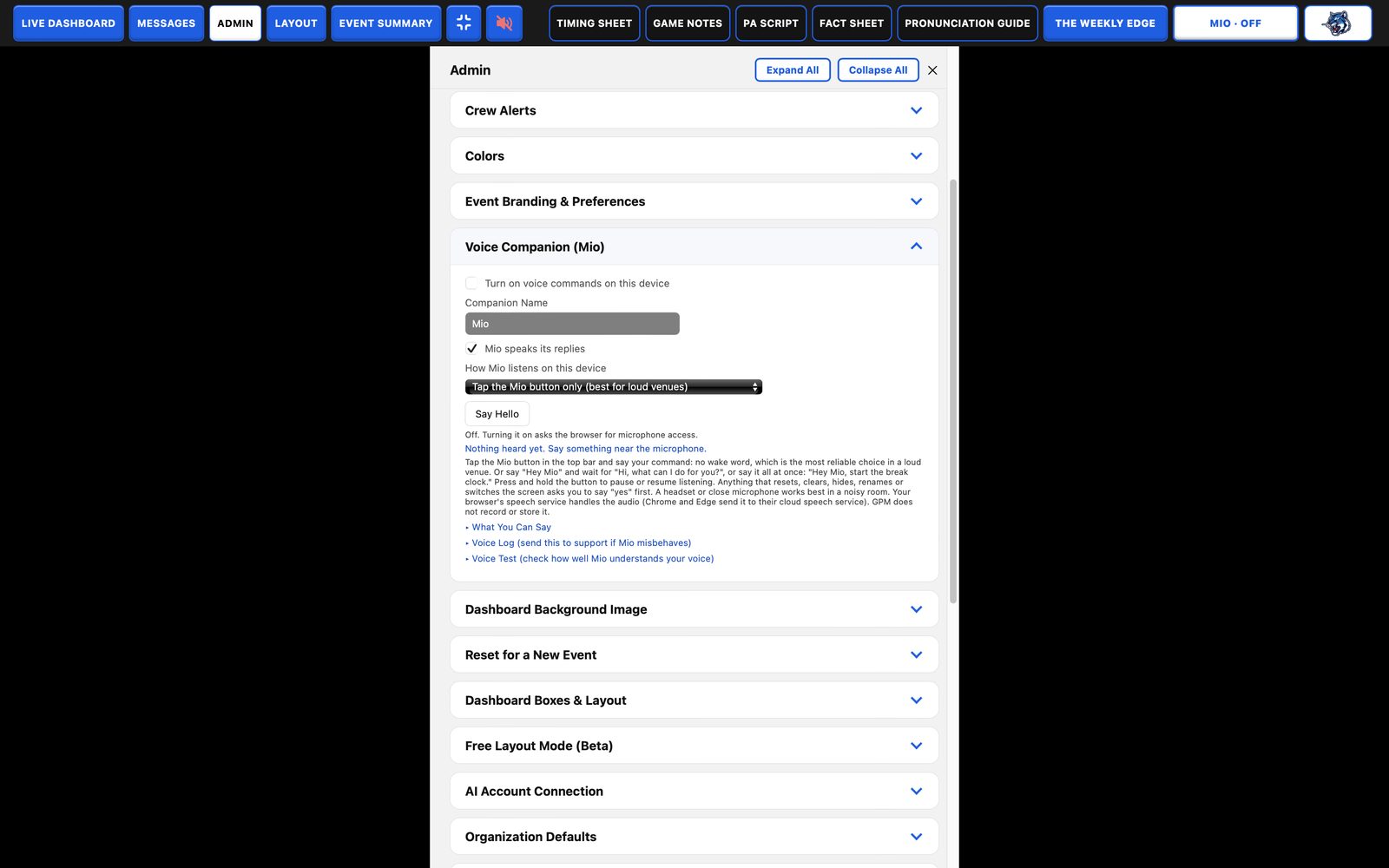
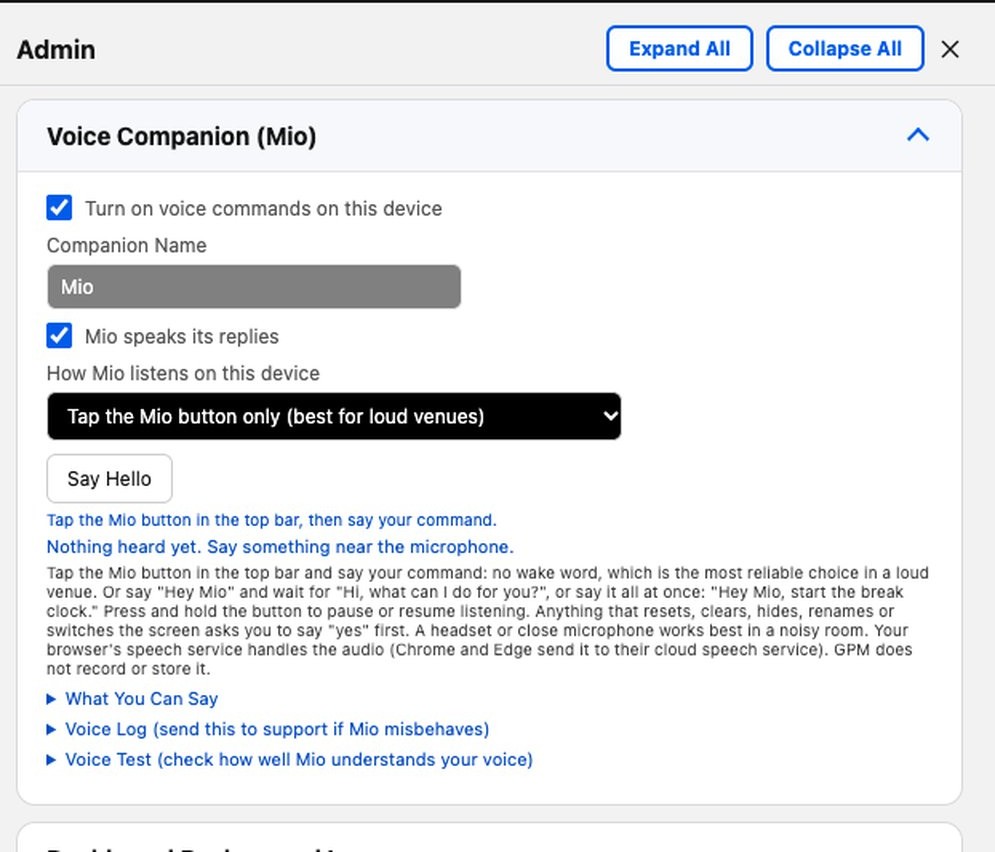
Yes. Mio, the voice companion, takes commands like “start the break clock” and confirms before it acts. NVR4GT™ voice notes turn anything you say into a time-stamped note in your inbox.
A banner tells you the connection dropped and your clocks keep running on your screen. Live Sync, messages and saving need the connection, so reconnect before relying on them.
Yes. Build production to-do lists with sections, an owner for each task, due times and priorities, and check tasks off with a time stamp. Share lists with your crew, get overdue alert reminders, print a status report, and import a Word, Excel or CSV template.
Yes. Hide, rename, recolor, drag and resize any box from any side or corner, or place boxes freely on a fine grid. Build up to three dashboard pages, save up to 10 layouts and save up to 10 events.
Any sport, broadcast, production, concert, conference, trade show, festival or tournament. Set your sport format once, such as quarters, periods, halves or innings, or create your own, and your Promo Tracker and To Do sections follow it.
No. GPM Companion works beside it. It is the dashboard for the clocks, sponsor reads, crew, notes and documents around your cues.
Your account, settings and templates are stored securely with our hosting providers. Voice notes stay on the device that recorded them for up to 48 hours. See our Privacy Policy.
Yes, any time from Account Settings. The trial needs no card, so there is nothing to cancel during it. Once you subscribe, cancelling keeps your access for the rest of the paid year, since the price is not refundable. See the Terms of Service.
Email [email protected].
Pro+ is a wired solution that connects within your production network. It adds an Official Timing Feed (your official game clock and score on the dashboard) and Venue-Wide Decibel Monitoring (microphones around the venue). Pro+ is set up for each organization, so contact us for details.
The Mio button lives in your dashboard header. Tap it and say your command.
| Event | [Your Event Name] | ||||
|---|---|---|---|---|---|
| Date | [Event Date] | ||||
| Venue | [Venue Name] | ||||
| Producer | [Producer Name] | ||||
| Stage Manager | [Stage Manager Name] | ||||
| Start | End | Length | Segment | Owner | Notes |
| 5:00 PM | 5:30 PM | 0:30:00 | Doors Open, Walk-In Music | Audio | Walk-in playlist A |
| 5:30 PM | 5:33 PM | 0:03:00 | Welcome Video | Video | Track 1, house to half |
| 5:33 PM | 5:40 PM | 0:07:00 | Host Open | Stage Manager | Mic 1 hot, confidence monitor |
| 5:40 PM | 5:41 PM | 0:01:00 | Sponsor Read: Partner A | Announcer | Read #1, logo on LED |
| 5:41 PM | 6:00 PM | 0:19:00 | Keynote | Producer | Lower third, slides on cue |
| 6:00 PM | 6:10 PM | 0:10:00 | Break | All Teams | Break clock 10:00 |
| 6:10 PM | 6:30 PM | 0:20:00 | Panel Discussion | Stage Manager | 4 handhelds, stools set |
| 6:30 PM | 6:45 PM | 0:15:00 | Awards | Producer | Walk-up music per winner |
| 6:45 PM | 6:50 PM | 0:05:00 | Closing Remarks | Host | Thank sponsors |
| 6:50 PM | 7:00 PM | 0:10:00 | Walk-Out Music | Audio | House lights up |

I’ve called shows at the Olympics and Super Bowls. At Madison Square Garden with the Rangers, Knicks and Liberty. I led the technology build for UBS Arena, then built and ran the Islanders’ business units across game presentation, content and graphic design, audio visual and broadcast, and event operations.
I’ve also called shows in a lot of places you wouldn’t expect. A charity event. A marathon. The deserts of Las Vegas and the rinks of Sweden. Courts in China and London, race tracks in the US and street circuits in Canada. Hockey in Puerto Rico. Football at Dodgertown. Open skates with the Rangers in Central Park and in Brooklyn. Figure skating in Niagara Falls. A farm field in North Carolina with Tough Mudder athletes who may be nameless, but are just as worthy. The gridiron across the NFL, and the women’s leagues in basketball and hockey.
After more than 1,500 events, the most exciting part was always the connection between athletes and fans. It has been an honor. I’ve had my run, and now I want to give back.
I always needed this tool. I carried it in my head, in my notes and across too many devices. Now it’s in one place, and I wish I’d had it back then.
GPM Companion is for you, so you can be better than I ever was. It’s made by JJ Sports Entertainment, the company behind the Game Presentation Masterclass, our first product. GPM Companion is our second, with more to come.
Ryan M. Halkett · Founder, JJ Sports Entertainment · Connect on LinkedIn
Pro+ is a wired solution that connects within your production network. It is set up for each organization and includes every Pro feature.
Your official game clock and score on the dashboard, connected to your timing and scoring system over your production network.
Why you need it: one source for the score, period and game time next to your show clocks, with no second screen to watch.
Microphones placed around the venue, wired into your network, with every reading on one screen and logged for your report.
Why you need it: see the whole building’s sound, not just the spot where you sit.
Pro+ is not bought online. After your inquiry, we plan the setup with your team.